The Automobile Association was created by people like you – keen drivers who just wanted fair treatment.
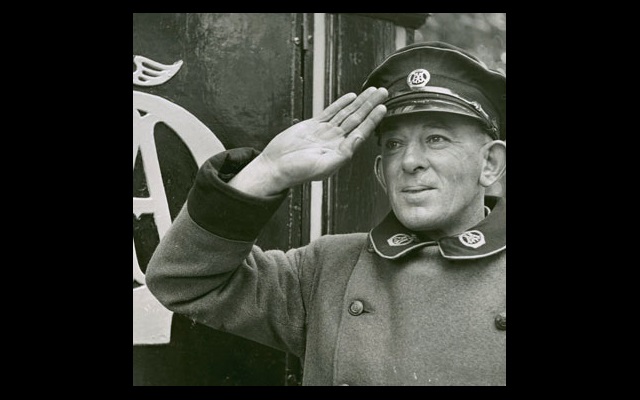
Not much has changed on that front since June 1905, when four driving enthusiasts banded together in London to form the AA. From day one our goal has been exactly the same: to protect you, the motorist, and put your interests first.
With over 14 million members from the original 90, it's fair to say we've grown a bit; in fact, we're now the UK's largest motoring organisation, still going strong over a century later. From setting up our first motorbike patrols to piloting 'connected cars', we've got a unique history of embracing new technology and innovations to better serve you.
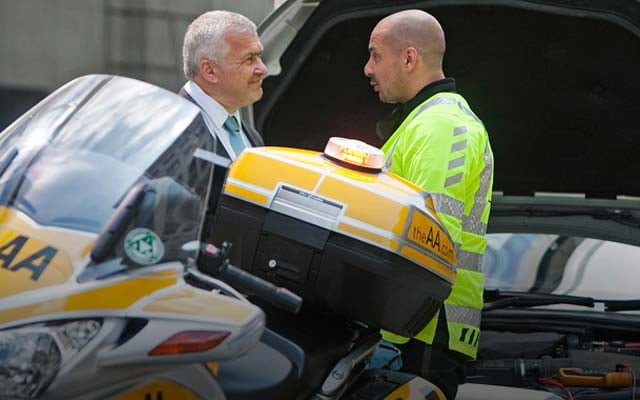
Breakdown cover has always been our number one priority, but we've since branched out into finance, insurance, leisure and lifestyle services.
Want to see how we got here? Discover our history and see what we're doing now and for the future.